
Best Restaurant POS Software 2026: 12 Systems Compared
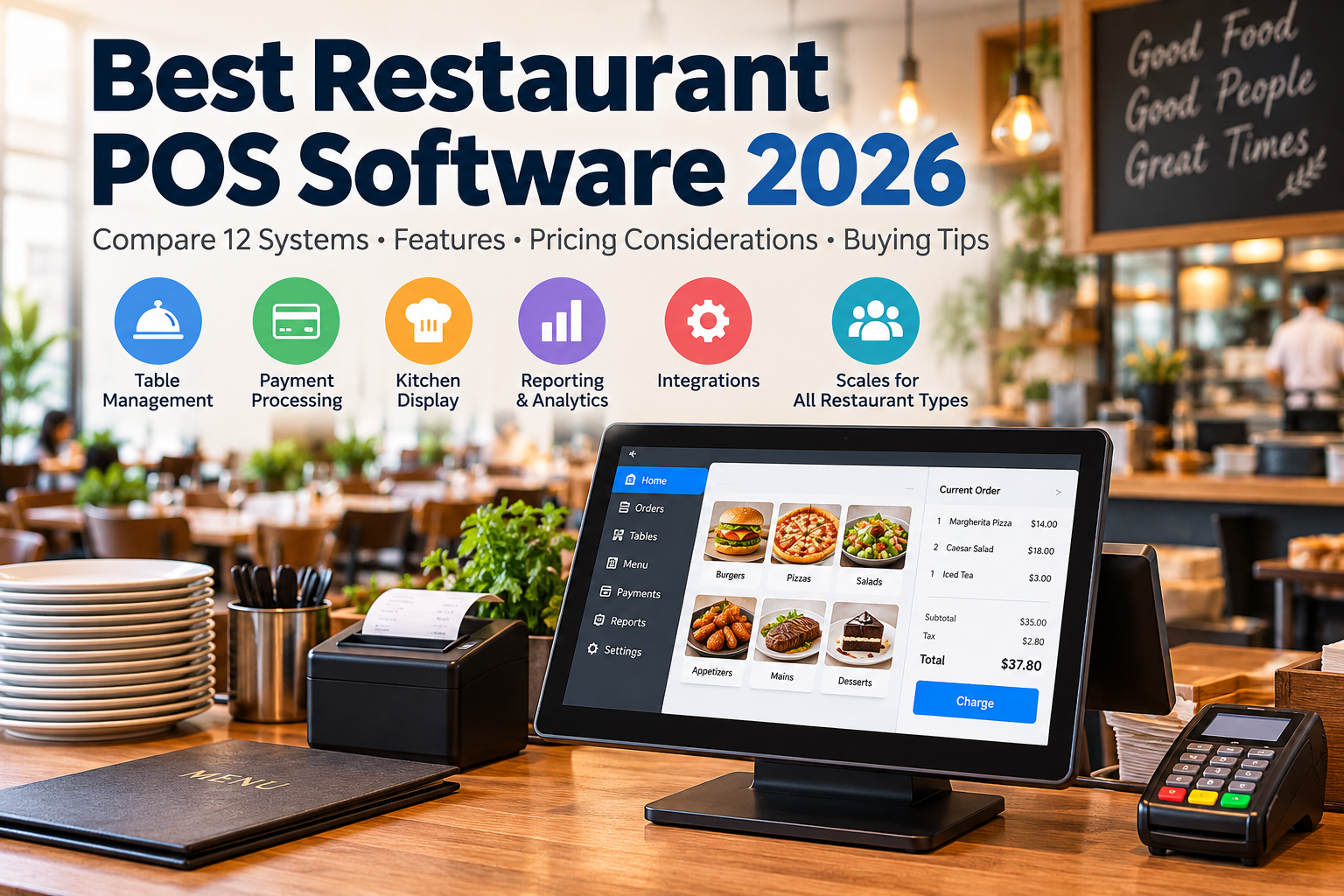
Looking for the best restaurant POS software 2026 has to offer? This guide compares 12 providers, including Toast, Square, Lightspeed and other restaurant point-of-sale platforms. It examines ordering, payments, kitchen workflows, reporting and pricing considerations using publicly available vendor information. Features, regional availability, hardware and processing terms vary; verify every shortlisted option with a current written quote and a product demo before purchasing.
Editorial methodology: This is a research-based comparison, not an independent hands-on test. We have not verified transaction-speed benchmarks, revenue uplift claims, or performance across live restaurants. Evaluate shortlisted systems through vendor demonstrations and trials using your own menu, workflows, and payment requirements.
On This Page
- Compare 12 POS providers
- Official vendor pricing
- AI features and limitations
- POS by restaurant type
- Three-year cost calculation
- Restaurant POS buying checklist
- Frequently asked questions
Best Restaurant POS Software 2026: Comparison of 12 Providers
Pricing and feature accuracy: Figures in the comparison tables are illustrative, may be outdated, and have not been independently verified as current vendor quotes. Hardware bundles, AI features, processing fees, and plan availability differ by region and contract. Always check official vendor pricing and request a written quote before relying on these figures.
Official Vendor Pricing Check — October 2026
Toast: Its US pricing page lists Starter Kit from $0/month and Point of Sale from $69/month, with custom packages and additional hardware or processing costs. See official Toast pricing. Square: US restaurant plans include Free at $0, Plus at $49, and Premium at $149 per location per month, excluding applicable processing and extras. See official Square pricing. Lightspeed: Its US restaurant pricing page displays Starter at 69 USD, Essential at 189 USD, and Premium at 399 USD, but the billing period is not explicitly stated beside these figures; request a written quote for billing frequency and processing rates. See official Lightspeed pricing. Prices depend on region, terms, hardware, and contract. Figures elsewhere in this article may be older estimates rather than current quotes.
Additional official vendor checks (October 2026): SpotOn lists an All-In option at $0 per station per month with 2.79% + $0.20 card-present processing, and POS Essentials at $55 per station per month with 2.45% + $0.15 card-present processing (American Express differs). Epos Now US advertises a restaurant bundle at $399 upfront plus $84 per month, subject to its terms. Clover explains that restaurant plan fees vary by business type and equipment package, and payment-processing fees are separate; request a plan-specific quote. These vendor-published figures supersede conflicting estimates for these products in the comparison table. They are not all-inclusive totals and may change.
More official pricing references: TouchBistro lists POS from $69 per month and a hardware-inclusive bundle from $119 per month. SkyTab shows a table-service bundle at $29.99 per month with separate card processing. SumUp US lists a free tier, POS Plus at $49 per month, and SumUp POS from $99 per month. Restroworks and Revel Systems require tailored quotes. For NCR Voyix Aloha, request current written pricing. These prices are subject to plan and market conditions.
| Provider | Published entry pricing or quote status (USD) | Typical use case |
|---|---|---|
| Toast | Starter Kit $0; POS from $69/mo | Restaurant-focused platform |
| Square for Restaurants | Free $0; Plus $49; Premium $149/mo/location | Cafes and quick service |
| Lightspeed Restaurant | Starter $69; Essential $189; Premium $399 (USD; confirm billing terms) | Restaurant operations |
| Clover | Request plan and hardware quote | Hardware and payment bundles |
| SpotOn | All-In $0/station; Essentials $55/station/mo | Restaurant POS and payments |
| Restroworks | Custom quote | Multi-location operations |
| Epos Now | Advertised bundle; confirm current quote | Hospitality POS |
| TouchBistro | POS from $69/mo; bundle from $119/mo | Table-service restaurants |
| Revel Systems | Request availability and quote | Restaurant POS |
| SkyTab / Shift4 | Advertised entry pricing; confirm current terms | Restaurant payments |
| NCR Voyix Aloha | Custom quote | Enterprise restaurant POS |
| SumUp | Free tier; POS Plus $49/mo; POS from $99/mo | Small merchants |
AI Features in Restaurant POS — 2026 Comparison
| Provider | Vendor-described AI capability | Availability caveat |
|---|---|---|
| Toast | Toast IQ: sales insights, recommendations, and selected workflow actions | Check plan, region and agent availability |
| Square | Square AI: business insights and recommendations; AI voice ordering documentation | Square AI is marked beta; confirm eligibility |
| Lightspeed | Lightspeed AI: conversational reporting, menu and staffing insights | Vendor describes AI as beta; confirm rollout |
| Other providers | Feature availability requires individual product documentation | No independent testing or comparative AI ratings claimed |
Restaurant POS by Restaurant Type
| Restaurant type | Providers to evaluate | Important selection criteria |
|---|---|---|
| Quick service / cafe | Square, Toast | Counter ordering, payment fees, online orders |
| Full-service dining | Toast, Lightspeed, TouchBistro | Table mapping, split bills, handheld ordering |
| Food truck | SumUp, Square | Mobile connection, offline payments, portable hardware |
| Bar / nightclub | SpotOn, Toast | Open tabs, modifiers, payment workflows |
| Multi-location chain | Restroworks, Revel, NCR Voyix Aloha | Central menus, permissions, cross-location reporting |
| Delivery-only kitchen | Square, Toast | Delivery integrations, kitchen display |
| Hotel restaurant | Lightspeed, Toast | Confirm PMS integration and room-charge support |
How to Estimate Three-Year Restaurant POS Costs
Cost-model limitation: The example below illustrates how to calculate ownership costs; it is not a vendor quote or independently validated three-year forecast. Processing fees, sales volume, terminals, add-ons, taxes, contract length, and setup fees can change the total substantially. Request a written, itemized quote before buying.
Calculate your own three-year POS cost: Add 36 months of software and add-on subscriptions, one-time hardware and implementation fees, estimated payment processing charges based on your sales and average ticket, and support or termination costs. For example, a $49/month software subscription costs $1,764 over 36 months before hardware, processing, tax, and add-ons. This is a mathematical illustration, not a vendor quote. Request written proposals using the same transaction assumptions for every shortlisted provider.
Payment Processing Fees: A Simple Worked Example
Restaurant POS software pricing is only part of the budget. To compare payment processing quotes, multiply card sales by the percentage fee, then add the per-transaction fee multiplied by the number of transactions. For example, with $30,000 in monthly card sales across 1,500 transactions, a hypothetical rate of 2.5% plus $0.10 per transaction would cost $750 + $150 = $900 per month, or $10,800 over 12 months. This is an arithmetic illustration, not a quoted rate from any provider.
Run the same sales volume, average ticket, online-order share and card mix through each vendor quote. Ask whether keyed transactions, refunds, chargebacks, PCI-related fees or early termination charges change the result. Compare the full contract cost rather than the headline monthly subscription alone.
Restaurant POS Buying Checklist: Questions to Ask Before Signing
- Payment processing: Ask for the in-person, online and manually keyed transaction rates, chargeback charges, and whether an outside processor is allowed.
- Contract terms: Confirm minimum term, auto-renewal, cancellation fees, hardware leases and what happens if you switch providers.
- Internet outages: Request a live demonstration of order entry and payment handling when connectivity drops, including how pending transactions are reconciled.
- Kitchen workflow: Test modifiers, split tickets, kitchen display routing, voids and refunds with your actual menu.
- Integrations: Check delivery marketplaces, accounting, inventory, reservations and payroll; ask whether each integration costs extra.
- Data ownership: Request written confirmation of export options for menus, customers, transactions and reports.
- Implementation: Ask who imports your menu, trains staff, provides weekend support and replaces broken terminals.
Practical demo tip: Run the same five sample orders through every shortlisted POS system. Include a complex modifier, a split payment, a refund, a kitchen routing change and an internet outage scenario. Compare the steps, staff effort and written costs instead of relying only on a vendor demonstration.
How to Score Your POS Shortlist
Use the same evaluation criteria for every restaurant POS software demo. Score each category from 1 (poor fit) to 5 (strong fit), using written quotes and actual workflow demonstrations rather than marketing claims.
| Criterion | Suggested weight | Evidence to request |
|---|---|---|
| Total three-year cost | 30% | Itemized software, processing, hardware and contract quote |
| Order and kitchen workflow | 25% | Live demo using your menu and modifiers |
| Reliability and support | 20% | Outage demo, support hours and service terms |
| Integrations and reporting | 15% | Confirmed connector list and sample reports |
| Ease of use and training | 10% | Staff trial and onboarding plan |
Multiply each category score by its weight and add the results. For example, a provider scoring 4 out of 5 in every category receives an overall 4 out of 5. Keep notes explaining each score so the final decision remains auditable.
Quick Answer: Restaurant POS Software
What should restaurants compare in a POS? Compare payment processing, kitchen workflows, offline support, inventory, reporting, integrations, and total ownership cost.
Frequently Asked Questions About Restaurant POS Software
What is the best restaurant POS software for a small cafe? Compare Square, SumUp and Toast based on your country, payment processing costs, order volume and hardware needs. No provider is universally best.
How much does a restaurant POS system cost? Add monthly software charges, terminals, kitchen displays, setup, payment processing, support and optional modules. Free software plans can still carry transaction and equipment costs.
Does restaurant POS software work offline? Offline functionality varies by vendor, device and payment type. Ask what happens to card authorizations, refunds, inventory synchronization and orders during an outage.
Can a restaurant POS connect to delivery apps and accounting software? Some systems offer built-in integrations or third-party connectors. Confirm the exact integration, subscription tier and any per-order charges before signing.
Related Guides
For a broader view of purchasing, supplier coordination, demand planning, and logistics, see our supply chain management platforms.

2 Comments
Pingback: Best Inventory Management Software 2026: Top 12 Ranked & Tested - Articles Stock
Pingback: Best Hotel Management Software 2026: Top 10 PMS Systems Ranked - Articles Stock